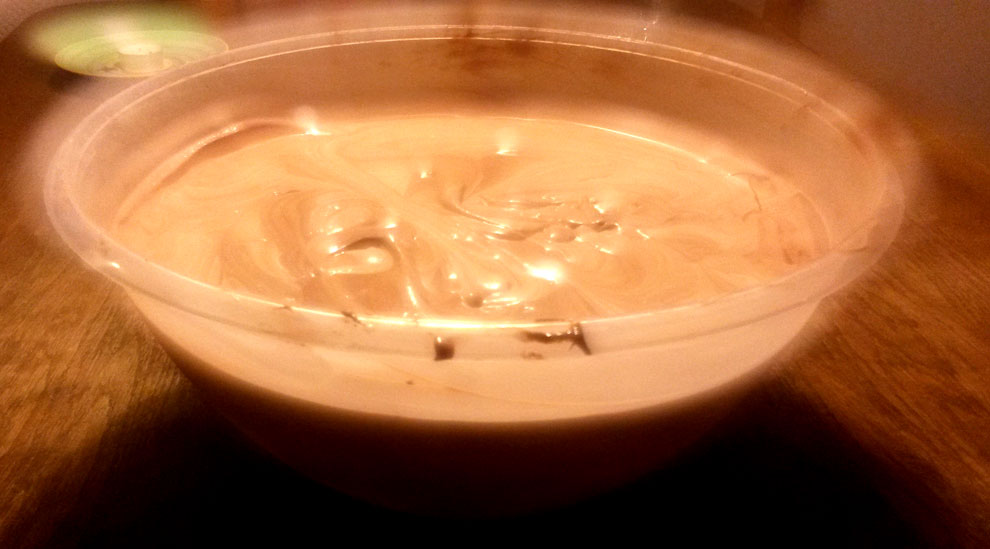
Mousse au Chocolat
Mousse au Chocolat als Nachtisch für Parties, einfach nur mit Schokolade, Eiern und Schlagsahne sowie leckeren Variationen.
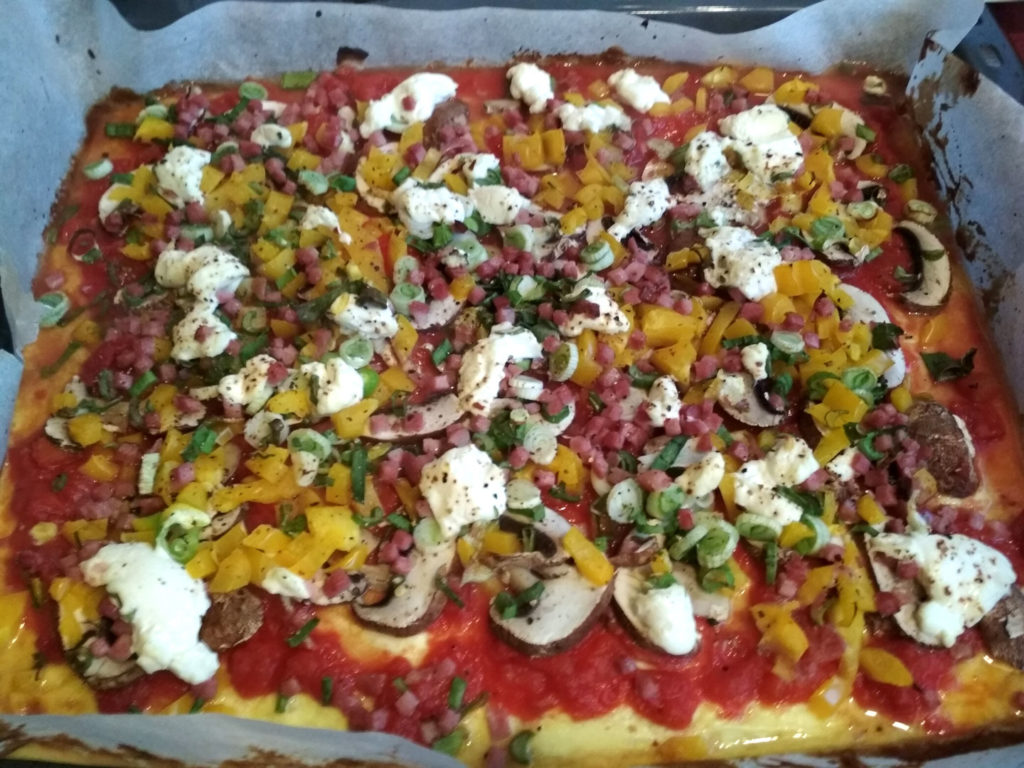
Low Carb Flammkuchen
Belag vegatrisch oder traditionell wie bei Flammkuchen und Pizza, LowCarb Boden saftig wie Pfannkuchen. Schnell, kreativ, flexibel und lowcarb.
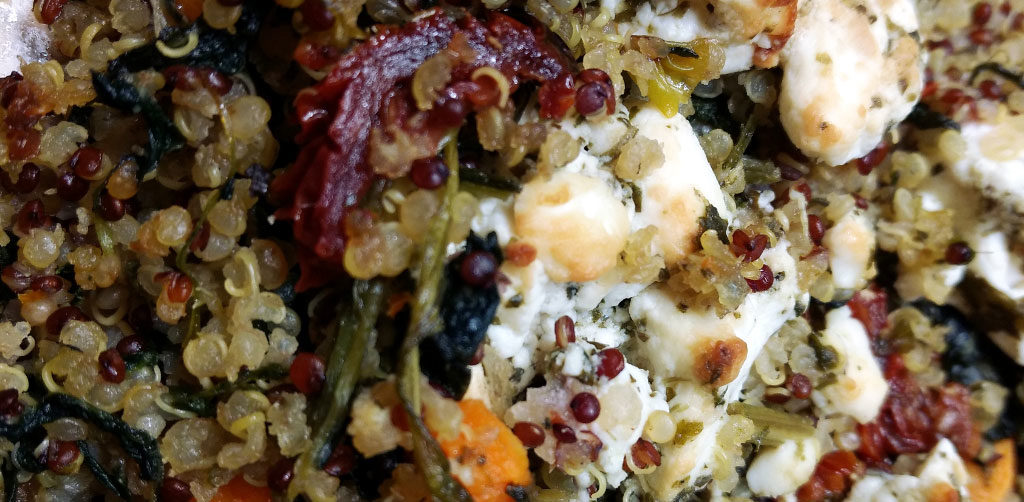
Feta-Quinoa-Pfanne mit Spinat
Feta-Quinoa-Pfanne mit Spinat. Zutaten für ca. 2 Portionen, Zubereitungszeit ca. 30min. Mit Quinoa, Blattspinat, Fetakäse, Frühlingszwiebeln und weiteren leckeren Zutaten.
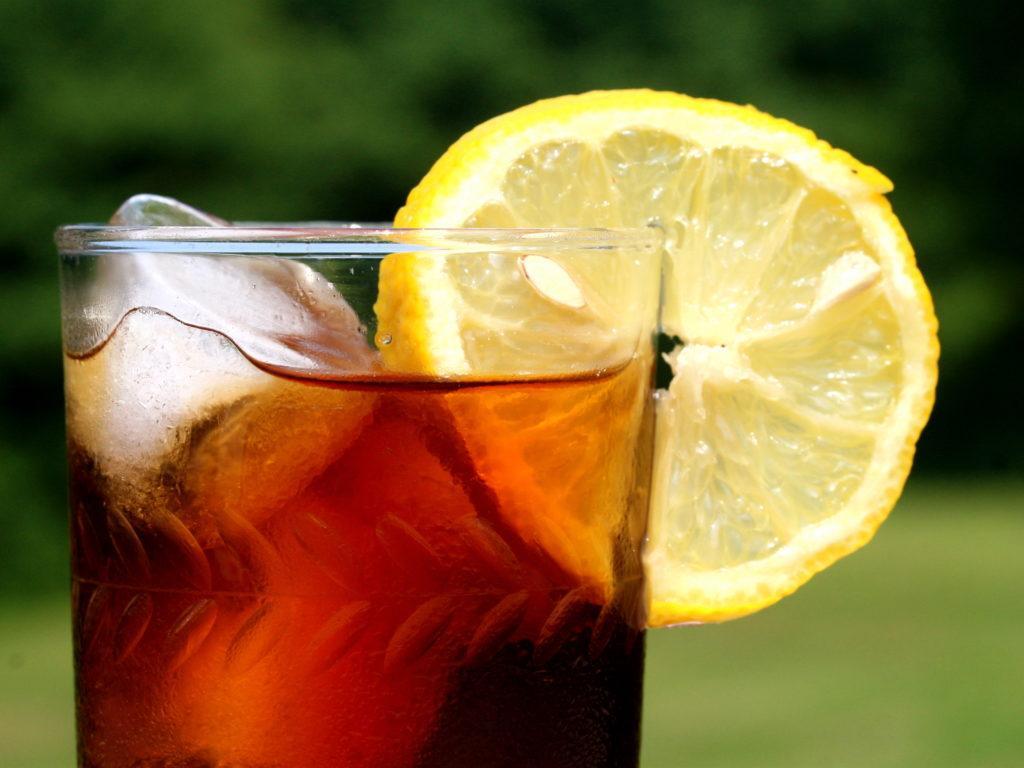
Selbstgemachter Eistee
Eistee kann man wunderbar selbst machen und dabei Kalorien sparen. Hier ein einfaches Rezept für Eistee mit schwarzem Tee oder Früchtetee.
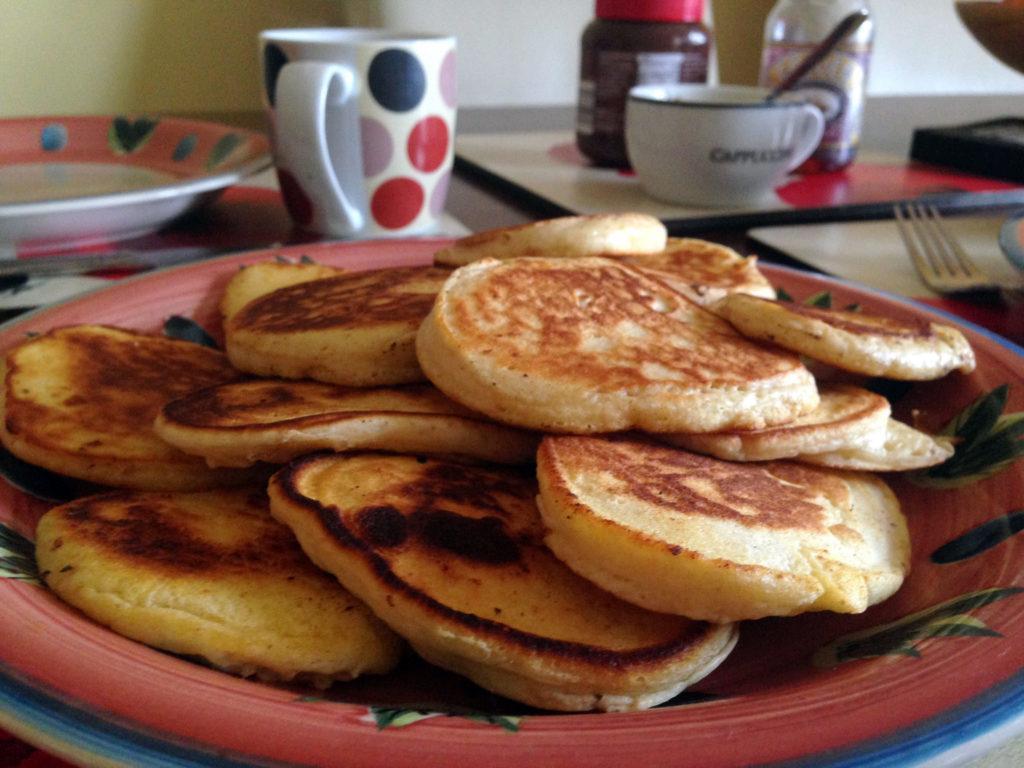
Low-Carb Pancakes
Lowcarb Pfannkuchen mit Bananen, Eier, Eiweißpulver und etwas Öl. Schlemmen mit wenig Kohlehydraten, schnell zubereitet und einfach gemacht.
Lemon Cake
Zutaten: 220g gesalzene Butter 220g Zucker 4 Eier 4 EL Milch 270g Mehl 1 TL Backpulver 3 Zitronen 170g Puderzucker Zubereitung:…
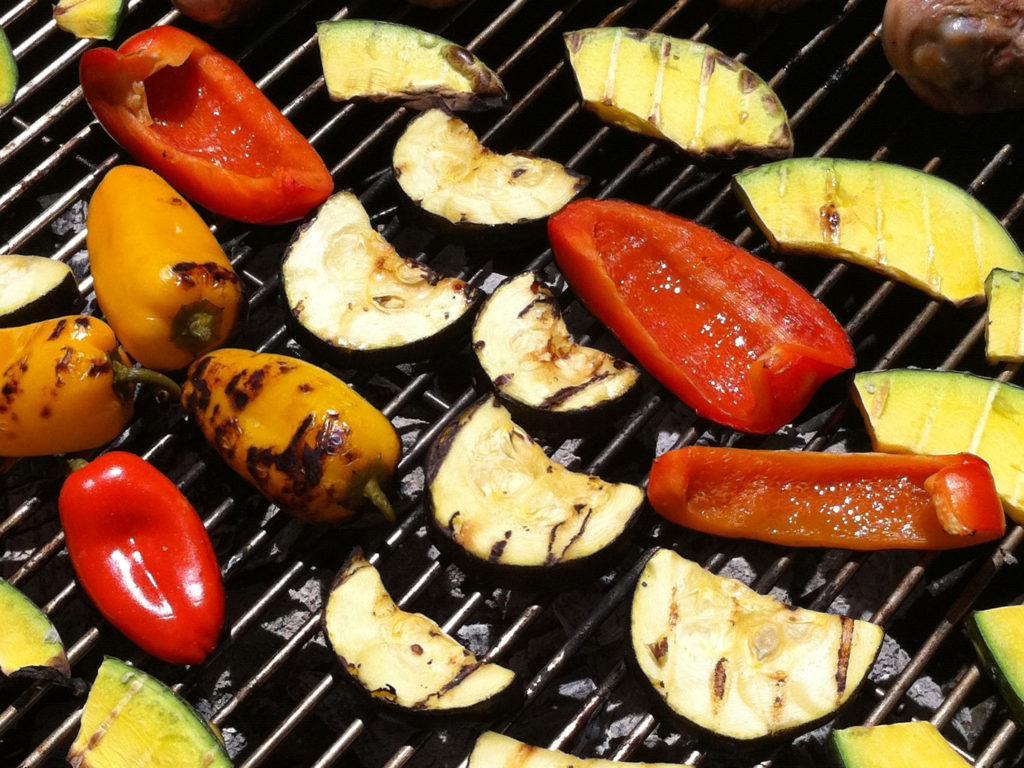
Vegetarisch Grillen
Nachfolgend sind einige Ideen dargestellt, mit denen das nächste Grillfest auch für die Liebhaber vegetarischer Speisen zu einem kulinarischen Erlebnis wird.
Whisky Kuchen
Zutaten: 1 Tasse weißen Zucker 1 Tasse brauen Zucker 2 Tassen getrocknete Früchte 4 große Eier 500g Butter 1 TL Salz 1 Handvoll…
haferflocken-kekse
Zubereitung : 150 g Butter 150 g Zucker 1 Päck. Vanillezucker 1 Prise Salz 1 Ei 80-100 g Mandeln ( fein ) 100-120…
Sahne-Bonbon-Likör
Zutaten: 0,7 l Korn 1 Tüte Bonbons (Werther’s Echte/Muh-Kuh-Sahne Bonbons) 200 ml Sahne 1 Flasche (min. 1 l Fassungsvolumen!) Zubereitung: Die…
Hackfleisch-Paprika-Eintopf
Zutaten: 500g Hackfleisch 2 Zwiebeln 1 kg gem. Paprikaschoten 1 Pfd. Kartoffeln Gemüsebrühe Pulver Salz Paprikapulver Tomatenmark Zubereitung: Die Zwiebeln würfeln und mit…
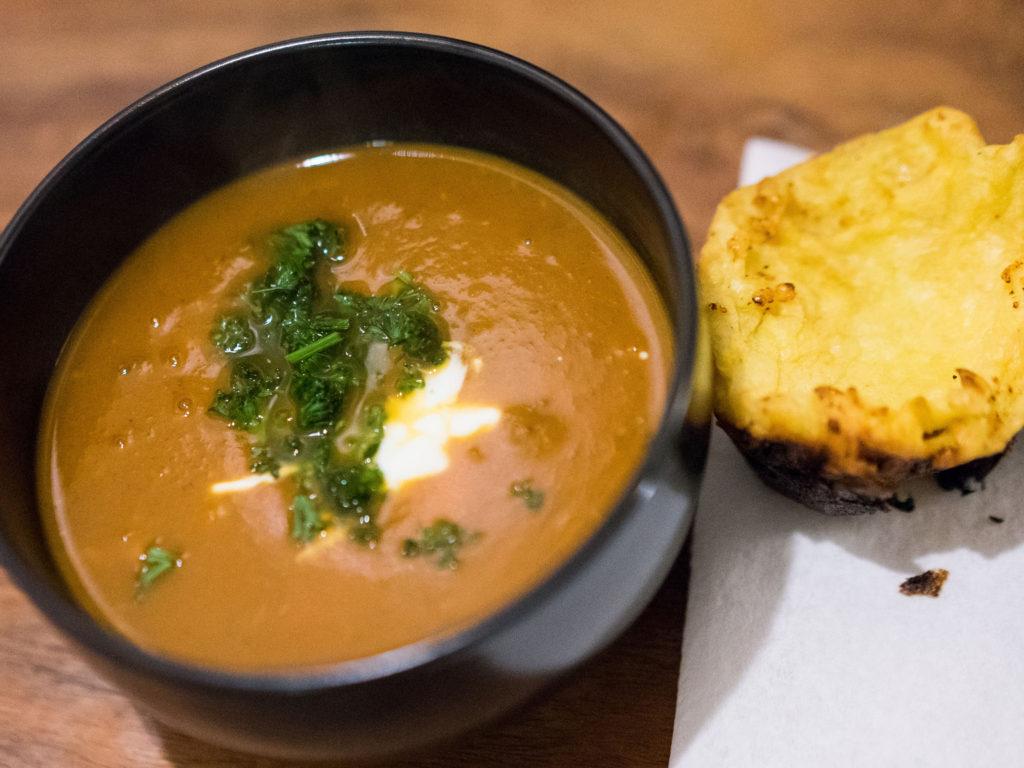
Spanische Pfeffersuppe
Eine spanische Pfeffersuppe – als Mulligatawny Teil der britischen Küche – ist lecker und mit wenig Aufwand in der kreativen Küche selbst gemacht.
Hähnchenfilet mit Kohlrabi in Kräuterkäsesoße
Zutaten für 4 Personen: 2 große Kohlrabi 1 TL Gemüsebrühe 4 Hähnchenbrustfilets (ca. 600 g) Salz, Pfeffer 1-2 EL ÖL 1/2 Töpfchen Basilikum…
Apple Crumble
Zutaten für eine große Auflaufform: 1kg Äpfel (leicht säuerliche, die zum Backen und Kochen eben) Rosinen wer will (eingeweicht) grob gehackte Nüsse, wer…
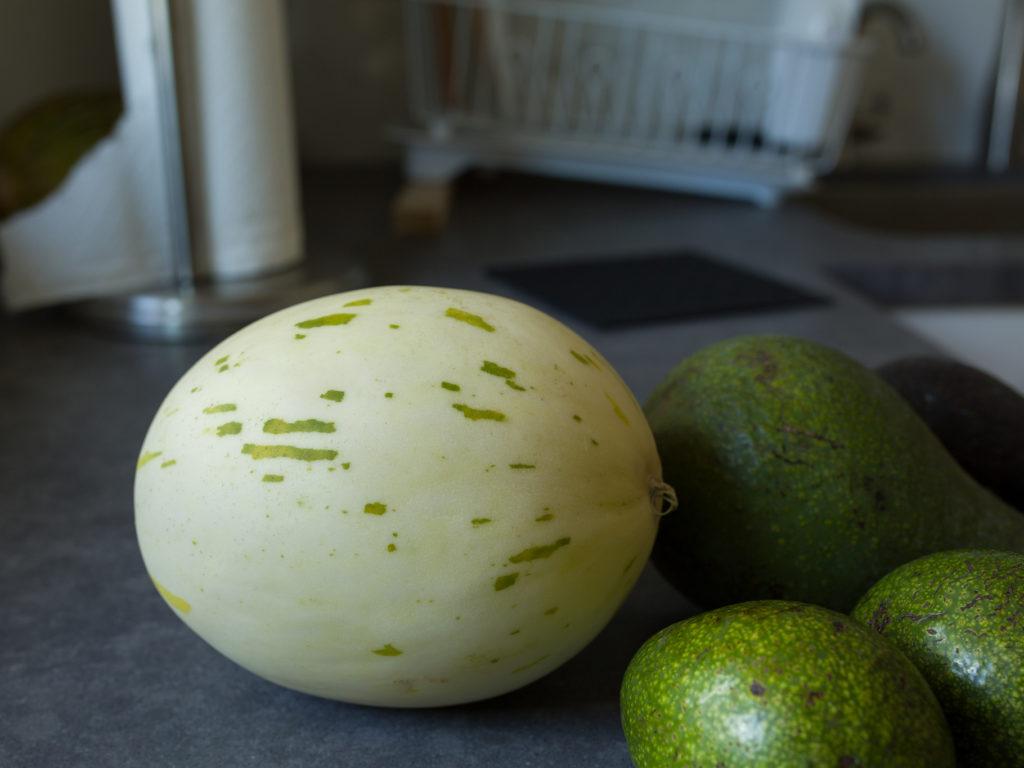
Süße Erfrischungsschüssel
Eine süße Erfrischungsschüssel mit Honigmelone, Avocado, Mandelpulver, Sonnenblumenkernen und Honig als leckerer Nachtisch für den Sommer.
Mediterrane Ebly-Pfanne
Zutaten: Ebly 2 dicke Zwiebeln Kräuterbutter 2 Zucchini Aubergine Paprikaschote Paprikapulver Salz Pfeffer 1 TL Mediterrane Brühe Tomatenmark Zubereitung: Den Ebly in einem…
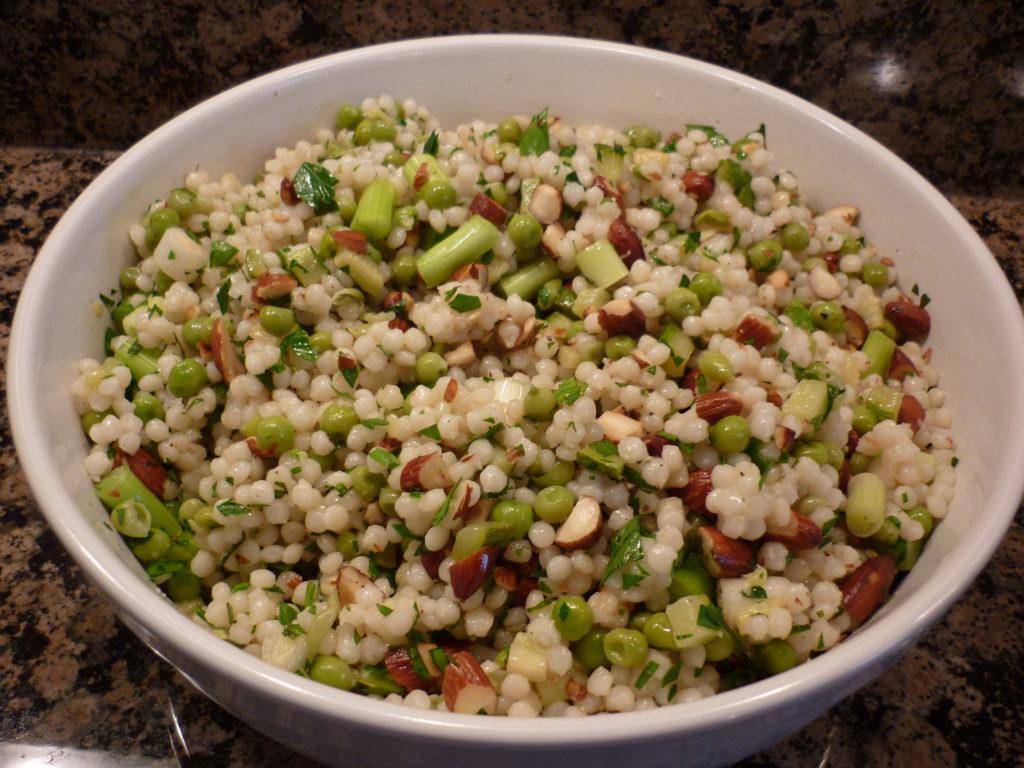
Couscous-Salat mit gebratenen Zucchini
Couscous-Salat mit gebratenen Zucchini – ein leckeres und schnelles Rezept aus der kreativen Küche. Toll für den Sommer und als für jede Party.
Zucchini-Rösti
Zutaten: 500 g Zucchini Salz/Pfeffer 2 Zwiebeln Schnittlauch/Petersilie 2 Eier 4 EL Mehl 1 TL Backpulver 100 g geriebenen Käse Zubereitung: Die Zucchini…
Holunderblütenomelett
Zutaten für 4 Portionen Omelett-Teig: 40 g Butter ¼ l Bier (alternativ: Mineralwasser, Cidre, Champagner) 220 g Mehl 2 Esslöffel Staubzucker Schale von…
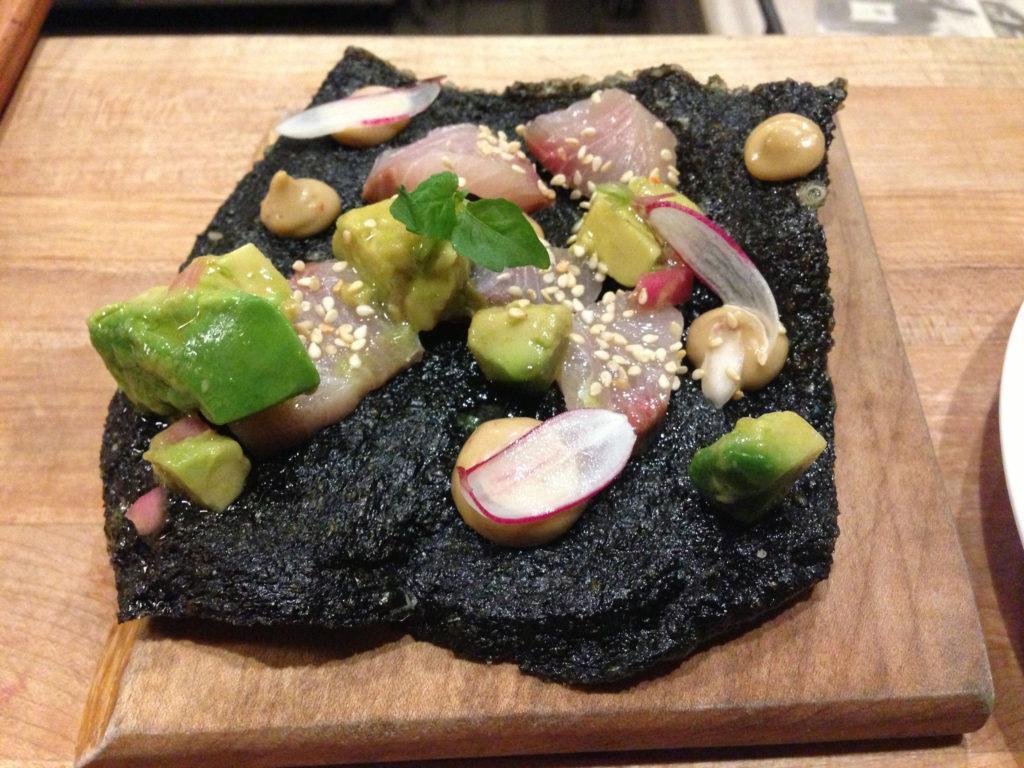
Avocado Rollen
Zutaten: 3-4 weiche Avocados 1x Lauchzwiebeln 1 Paket Norialgen kleine Tomaten schwarzen Pfeffer (Mühle) oder gemischten Pfeffer, Salz (Himalaya oder Meeressalz). Zubereitung: Die…